Product
Whatever is in the plan is written out here, one by one.
All twelve features sold on a subscription are below: what each does, how it works, and which tier gets what. Nothing appears on the pricing page that is missing here — both pages read from the same source.
Video allowance
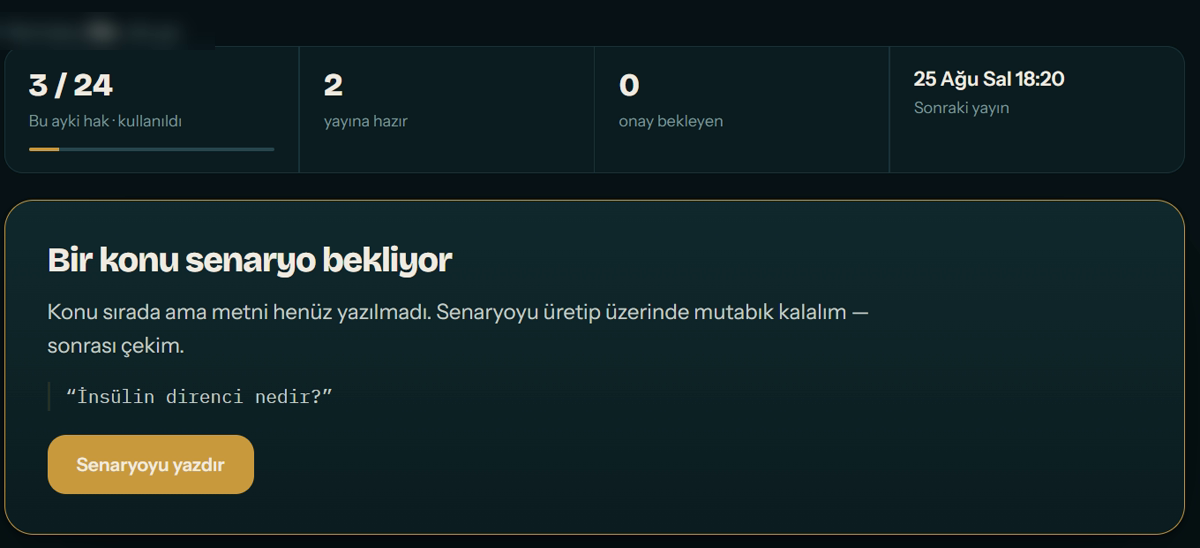
We pick the topic and write the script. You record it, or hand us something from your archive.
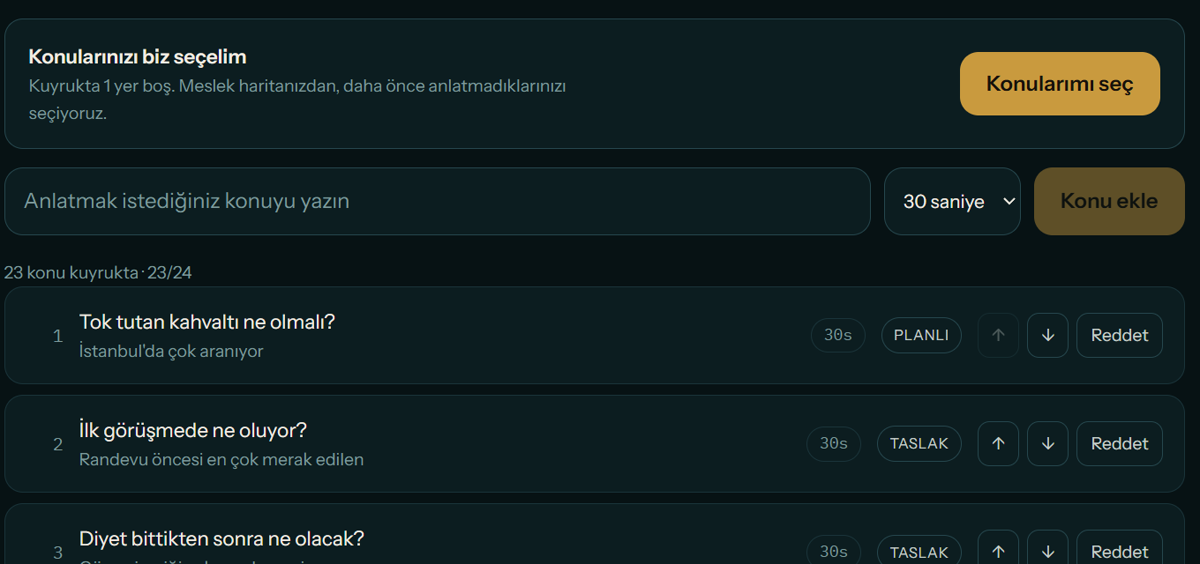
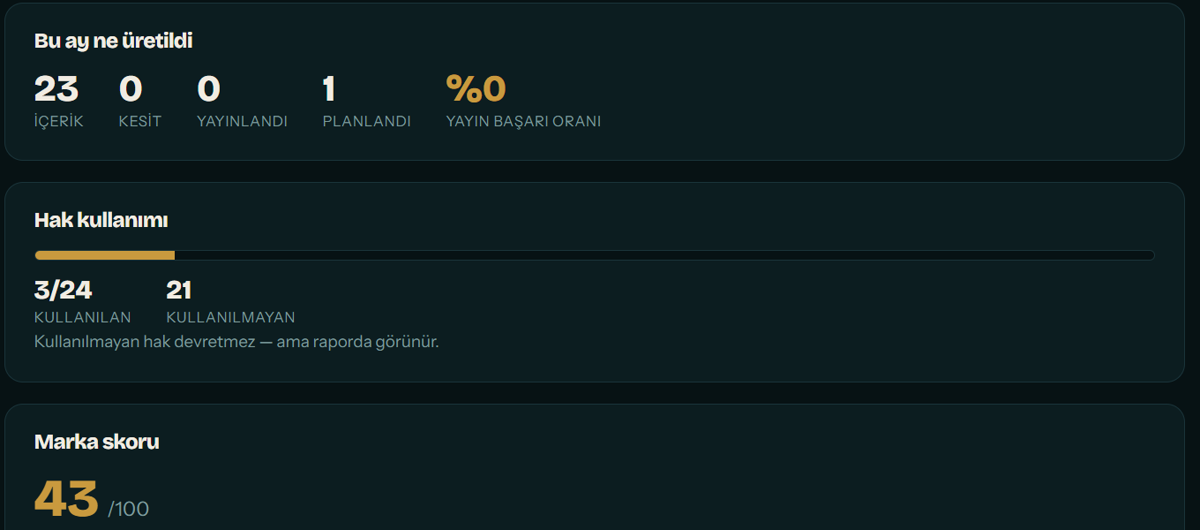
You get a set number of videos each month. Topic choice is not left to you — we pick where a gap in your accounts meets real audience demand. Unused allowance does not roll over, but it is written into your report; it is never quietly swallowed. Length is not your choice either: the topic decides. 30, 60 or 90 seconds — a list takes 30, "what happens in the first session" needs 90. On camera the ceiling is 90 seconds; longer pieces are produced without a camera, because filming three minutes in one take on a phone puts the work back on you.
Advanced editing
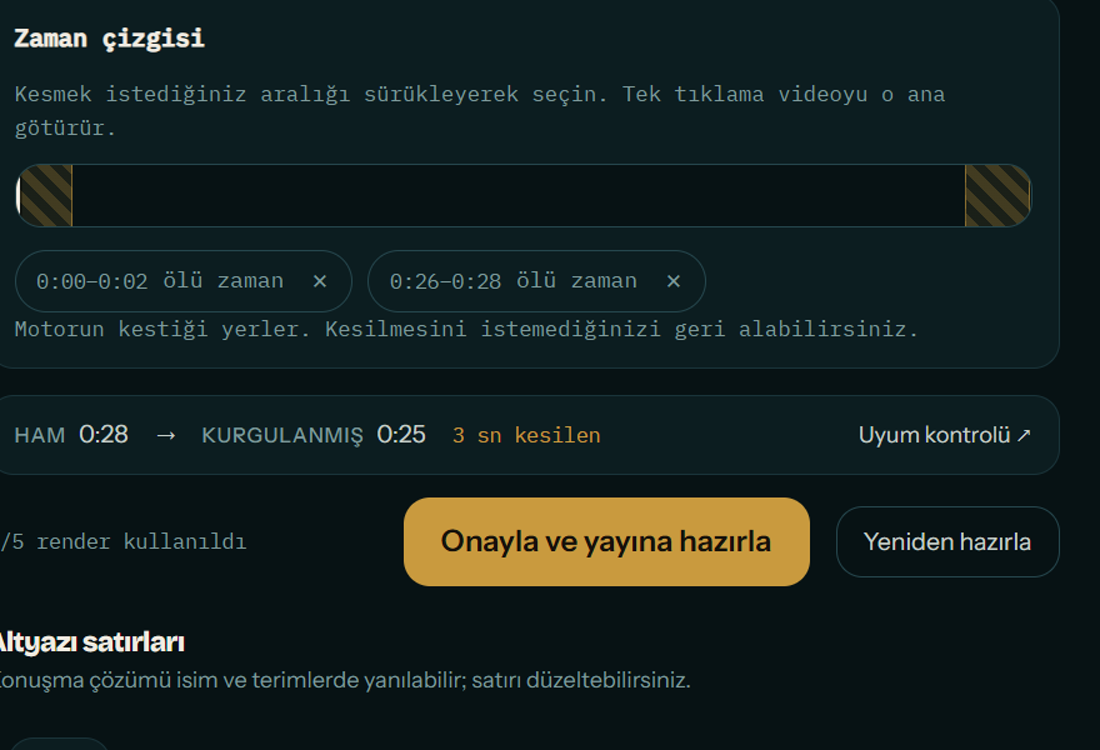
Pauses, filler sounds, false starts and anything off-script are removed automatically.
Three separate cut passes are merged: silences found from audio levels, filler sounds ("um", "uh") found from word-level timestamps, and speech that matches no line of the script. Captions are built from the words you actually said, not from the script — drift from the text and the sync still holds. And one take, many pieces: from a 90-second recording we also cut two 30-second clips, and those clips do NOT count against your allowance. You face the camera once, three pieces go out. Long videos you upload from your archive are clipped the same way.
Themes and components
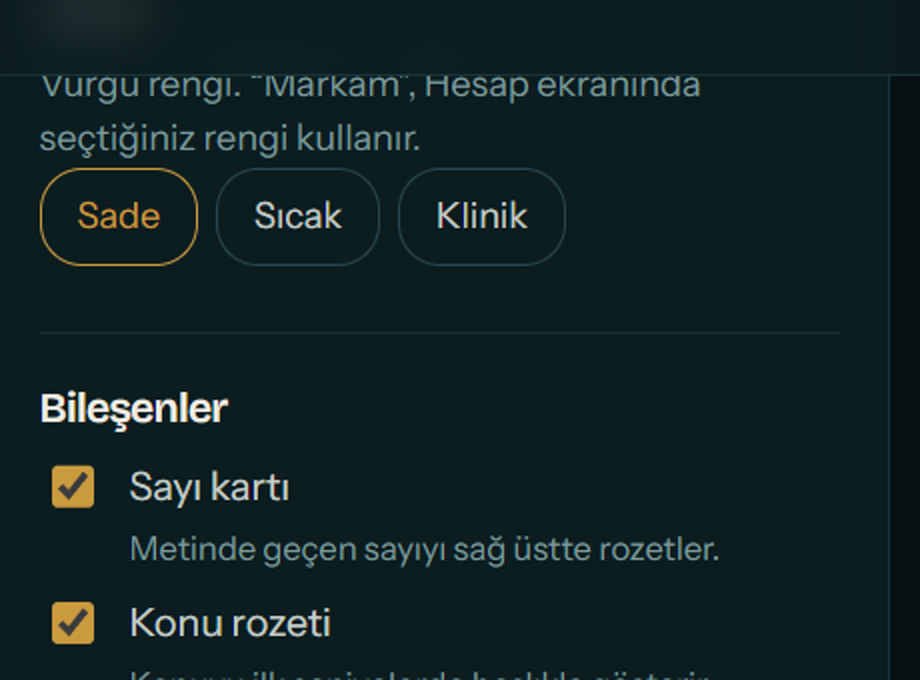
Pick how the video looks from ready themes; switch individual components on and off.
A theme sets caption style, colour palette and lower third together. There are eleven themes and your plan decides how many are unlocked; if you have saved a brand colour, "My brand" sits outside that count and is available on every plan — what is sold is theme variety, and your own colour is not a variety. On every plan: caption size, four vertical positions and four looks (dark box, white box, shadow, outline), highlighting numbers in your theme colour, seven picture filters, vignette and a progress bar. Captions are the core promise, the one thing read in a video watched on mute. What belongs to the top plan is the dressing: the identity strip carrying your name and title, the badge that states the topic in the first seconds, and the watermark that stays in the corner throughout. Changing a theme means a re-render — you choose that knowingly, the queue never fills silently.
Compliance check
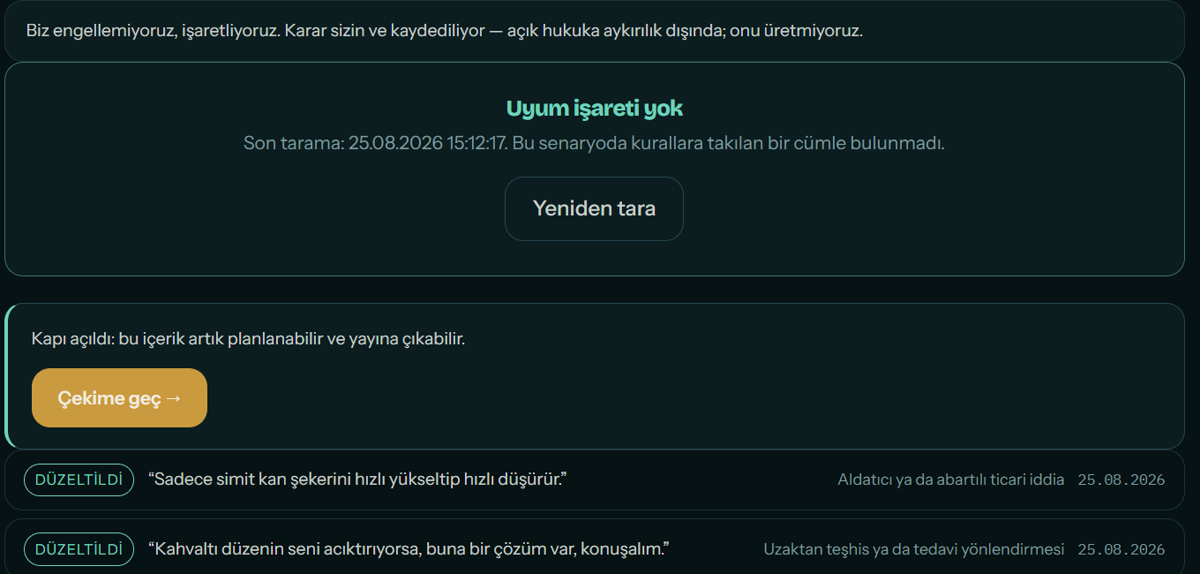
Before anything is published, each video is scanned and risky phrasing is flagged for you.
As soon as editing finishes, the content is scanned for banned phrasing, implied health or income claims, and missing mandatory disclosures. Anything flagged is NOT published automatically — it comes back to you with the reason, and the decision to publish stays yours. Where country and profession rules conflict, the stricter one is flagged. This is an assistive check: final responsibility towards your professional body remains yours.
Automatic publishing
We post the finished video to your own accounts. No downloading and uploading by hand.
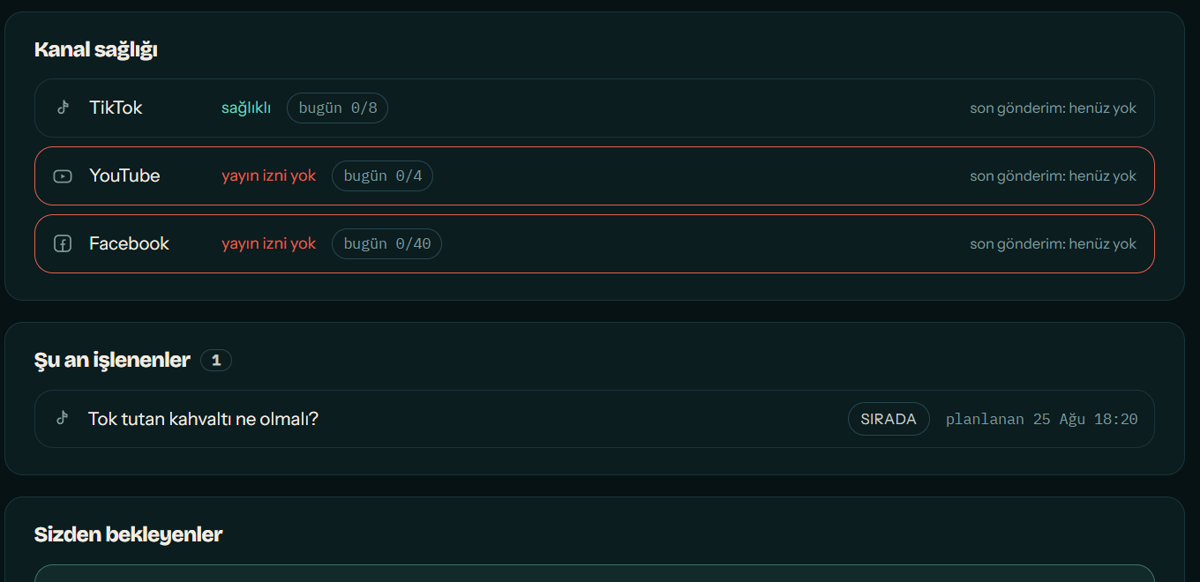
Connect your accounts once; from then on every piece goes out in the right aspect ratio with the right copy. Read access and posting access are asked separately — letting us read does not mean we can post as you.
Scheduling
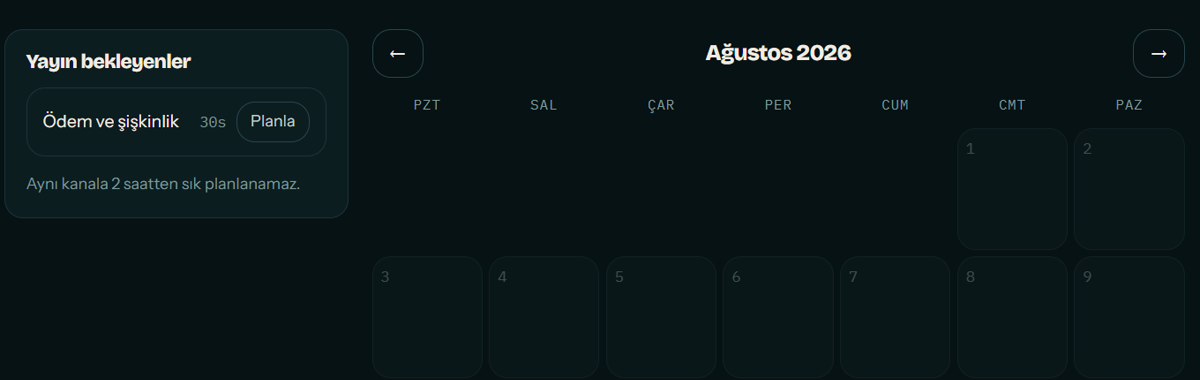
Which day, what time — you decide, and it joins the queue.
Content goes out on the rhythm you set. Nothing is published without your approval; you can stop the queue at any moment or pause everything for two weeks with one click.
News-event pause
During an earthquake, a day of national mourning or a major accident, scheduled posts stop by themselves.
An ordinary promotional video going out on such a day damages your brand. When things return to normal your content goes back into the queue — nothing is lost. The source and time of every pause is logged, so "why wasn't this published" always has an answer.
In-product help
An assistant that answers by looking at your account as it is right now.
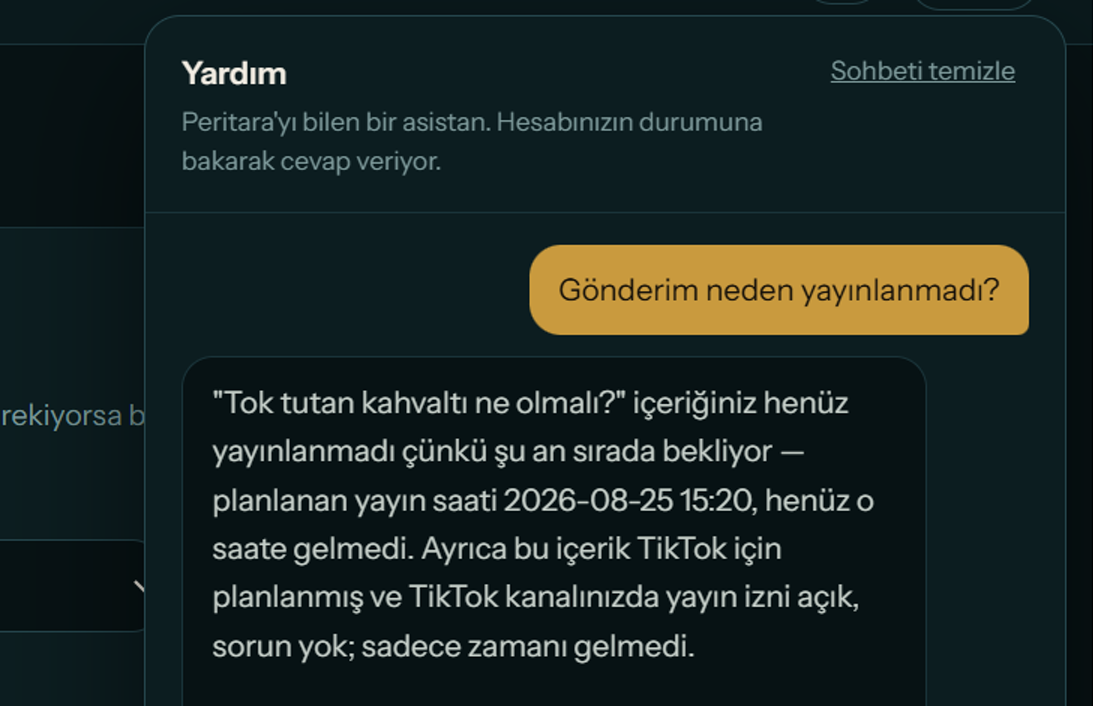
It sits in the bottom right of every panel screen. Not a generic help page: ask "why was my post not published" and it looks at your channel permissions, your publishing jobs and your compliance flags, then answers for your case. You can send a screenshot too. It changes nothing itself — it tells you where to click. The chat is not stored.
Social account analysis
Which posts landed and why, what your audience is curious about, which format works where.
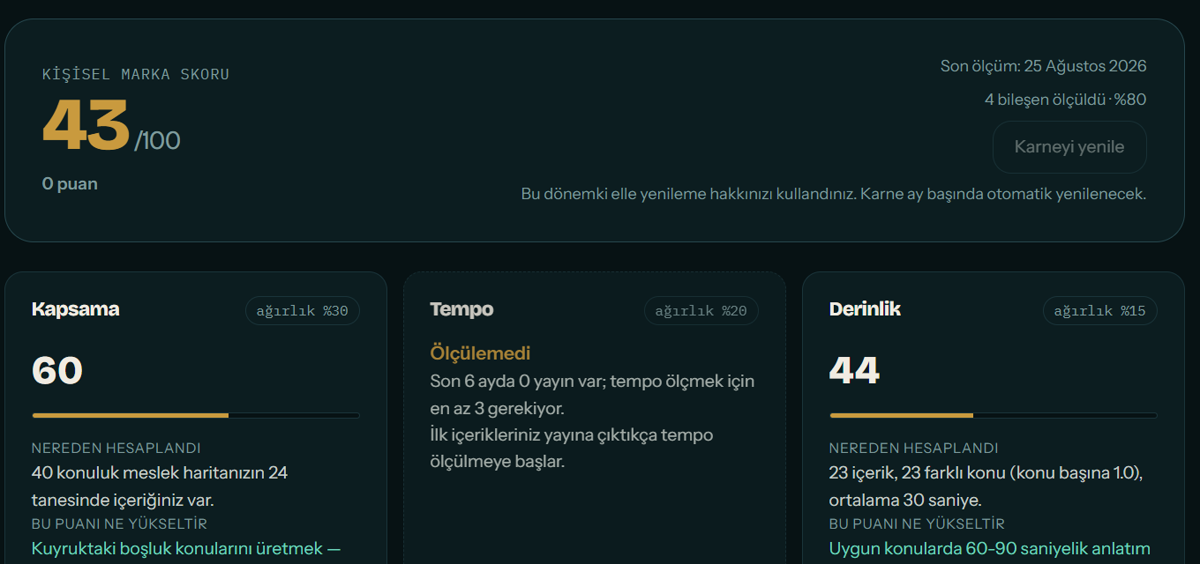
We read the content on your accounts and derive average views, cadence, your best performers and the theme they share. Only your own public posts are read; comments and other people's data are never touched.
What to make next
Topics where a gap meets real demand, ranked.
One signal is not enough. "You have no content on this" is a weak reason; "this is the shared theme of three videos that did 3.8× your average, and you have only one piece on it" is a strong one. Suggestions come from that intersection, and the evidence is your own numbers.
Monthly report
Where you started and where you are: views, reach, followers and AI visibility.
A single page each month: what each piece brought in, which channel grew, how your AI visibility score moved. Unused video allowance shows up here too.
AI visibility tracking
Do ChatGPT, Claude and Gemini know who you are — measured again every month.
The measurement runs with web search OFF; with it on, everyone would look visible. Every "I know this person" claim is checked against research, and a model that invents details loses its score. That is what makes the number mean something.
Better shown than described.
The demo runs the core of these on your own account and your own video. No card, no signup.